How to Read Your CPAP Report: Hours of Use, Leak, and Breathing Events
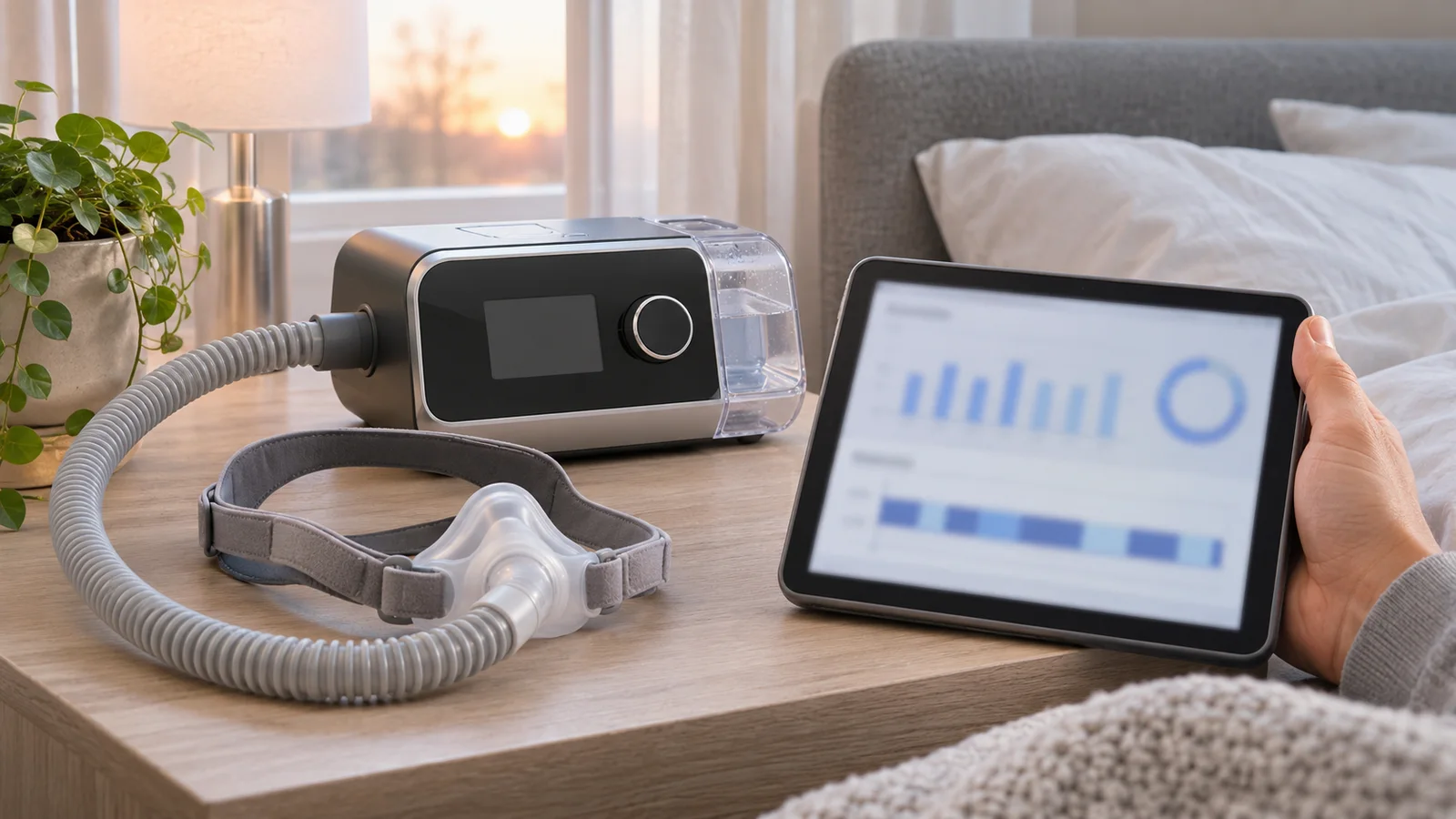
A CPAP app can show a low event count after a night when you still wake up tired. It can also show a higher number after a night when you feel fine. Both experiences are worth bringing to your sleep clinic. The report records what the machine detected while it was running. It becomes more useful when you read the hours of use, leak, and breathing events together and note what happened during the rest of the night.
Christian Goodman’s site includes a product overview for The Stop Snoring And Sleep Apnea Program. The information below explains reports from positive airway pressure devices used to treat obstructive sleep apnea and draws on clinical sources.
Start with how much of your sleep the report covers
The usage line tells you how long the device recorded therapy. Compare it with the time you think you spent sleeping. If the machine shows five hours and you slept for about seven, the event estimate describes only the time the machine was recording. It gives no information about the period when you slept without it. Time spent awake with the mask on can also be included in the usage total.
Write down why treatment ended early if you know. Perhaps you took the mask off after a bathroom trip, fell asleep before putting it on, or removed it because you felt congested. Those details help the clinic distinguish a problem with equipment from a problem fitting treatment into your night. If you use the device for naps or sleep on an unusual schedule, note that as well. How the app groups sessions into a day can affect how you read the chart.
A report may highlight the number of nights above a particular number of hours. That can be useful for administrative purposes or tracking consistency. It does not mean the rest of a sleep period is covered. The National Heart, Lung, and Blood Institute encourages using CPAP whenever you sleep, including naps. If there is a recurring part of the night when you cannot comfortably use it, tell the clinic about that part specifically.
Read the breathing event number as an estimate
AHI stands for apnea-hypopnea index. In a sleep study, it describes how often breathing stops or becomes reduced in a way that meets the scoring rules. A CPAP report may also display an AHI or an events-per-hour figure. The device estimates this value primarily from airflow measurements while it is running. The machine’s estimate and a laboratory result come from different measurements and are interpreted in different contexts.
The device generally does not measure your brain activity to tell exactly when you were asleep. Breathing while you are awake can be irregular, and a mask leak can make airflow harder for the device to interpret. Different manufacturers can use different rules to label and count events. The American Thoracic Society notes that use time is generally easier to track reliably than device-reported residual events and leak. One number alone cannot show how well you slept.
Some reports list categories such as obstructive or clear-airway events. Those labels reflect what the machine inferred. They may give your clinician a reason to look more closely at the detailed data. A label on the app cannot confirm why an event occurred or diagnose another sleep disorder. If you see a recurring change, note the dates and ask the clinic what it means for your device.
Check whether the display shows last night, an average, or a longer trend. A weekly average can hide a few nights that were very different from the rest. A single night can look unusual without telling you whether the pattern is continuing. If two screens seem to disagree, verify their date ranges and ask the clinic which view it uses for follow-up. This can save time when a patient and clinician are looking at different reports from the same device.
Look at leak in context
Many masks release air through a built-in vent as part of normal operation. Air escaping around a loose seal or from another opening in the system is a different issue. Depending on the device, the report may show total leak, an estimate of unintended leak, or time above the manufacturer’s threshold. Ask the clinic which measure your machine uses before comparing your figures with someone else’s.
Without touching the vent, notice any practical clues. A whistling sound, air directed toward the eyes, or the mask shifting when you turn can help you explain what was happening. A dry mouth or nose is also worth mentioning, although it does not identify the cause by itself. Record whether you had congestion, changed your mask or cushion, or slept somewhere different. This can make the equipment review more useful than a screenshot of an isolated value.
A brief leak near the end of a session could reflect the time when you took off the mask. A long period of leak while you were trying to sleep is a different situation. If the app shows only a nightly summary, ask whether the clinic can see the timing and duration of the leak. Keep the device settings as prescribed while you discuss the pattern.
Compare several nights and add how you felt
Choose a typical stretch of nights to discuss with the clinic, along with any particular night that stands out. Make a short note about bedtime, wake time, and interruptions. Include whether you woke with a headache, noticed a dry mouth, or felt sleepy during work or travel. Your goal is to show what the graph cannot. A week with travel or a respiratory illness may look different from your routine at home.
Compare the same dates across the different panels in the report. Suppose the event figure looked higher on a night when you wore the mask only briefly and the app showed substantial leak. That is different from seeing the same figure across multiple nights of use that covered most of your sleep. A note about circumstances gives the clinic a way to decide whether the finding might call for a fit check, a data review, or another assessment.
If the app shows no data, check whether the device itself has a recent record and tell the clinic what you see. A missing graph could be related to data transmission. Ask how the clinic prefers to review the information. Depending on the equipment, it may be able to use a connected report, data from the machine, or a card brought to the appointment. Bring the model name as well as the date range.
If a problem started after the mask or device was replaced, bring the date of the change and the names of the old and new equipment if you have them. If you use more than one prescribed machine, mention that too. A summary from one device may show gaps that were spent using the other one. Telling the clinic how the report was generated makes it easier to identify the nights it can compare.
Know when a low number still deserves a conversation
Contact your sleep clinician if daytime sleepiness, repeated awakenings, or other symptoms continue despite using the device as prescribed. The American Academy of Sleep Medicine says a repeat sleep study may be appropriate for persistent or recurrent symptoms or unexplained device data. The clinic can decide whether to look first at use and leak, another cause of interrupted sleep, or a repeat test. If you feel too sleepy to drive safely, avoid driving and seek medical guidance.
Three useful questions are “Does this report cover most of my sleep?”, “Which leak figure does my device show?”, and “How do my symptoms affect your interpretation?” It helps to ask which changes would warrant a call before your next appointment. If someone who shares your room hears snoring or notices repeated breathing interruptions while you are using the device, bring that observation too, along with the dates if you have them.
Readers can review the book details for The Stop Snoring And Sleep Apnea Program. For a clinical review, bring a representative report, describe what happened when the mask came off or leaked, and name the symptom you most want to improve. That gives the care team information it can use alongside the numbers.
Sources and further reading
RECOMMENDED READING
A practical guide for readers interested in sleep apneaA guide to sleep apnea
The Stop Snoring and Sleep Apnea Program
A digital guide by Christian Goodman. Review the program overview and contents before deciding whether it is relevant to you.
- Topic: sleep apnea
- Author: Christian Goodman
- Format: digital guide
 Secure checkout through ClickBank
This page contains affiliate links. We may earn a commission if you purchase through them, at no extra cost to you.