How to Compare Sodium on Nutrition Labels
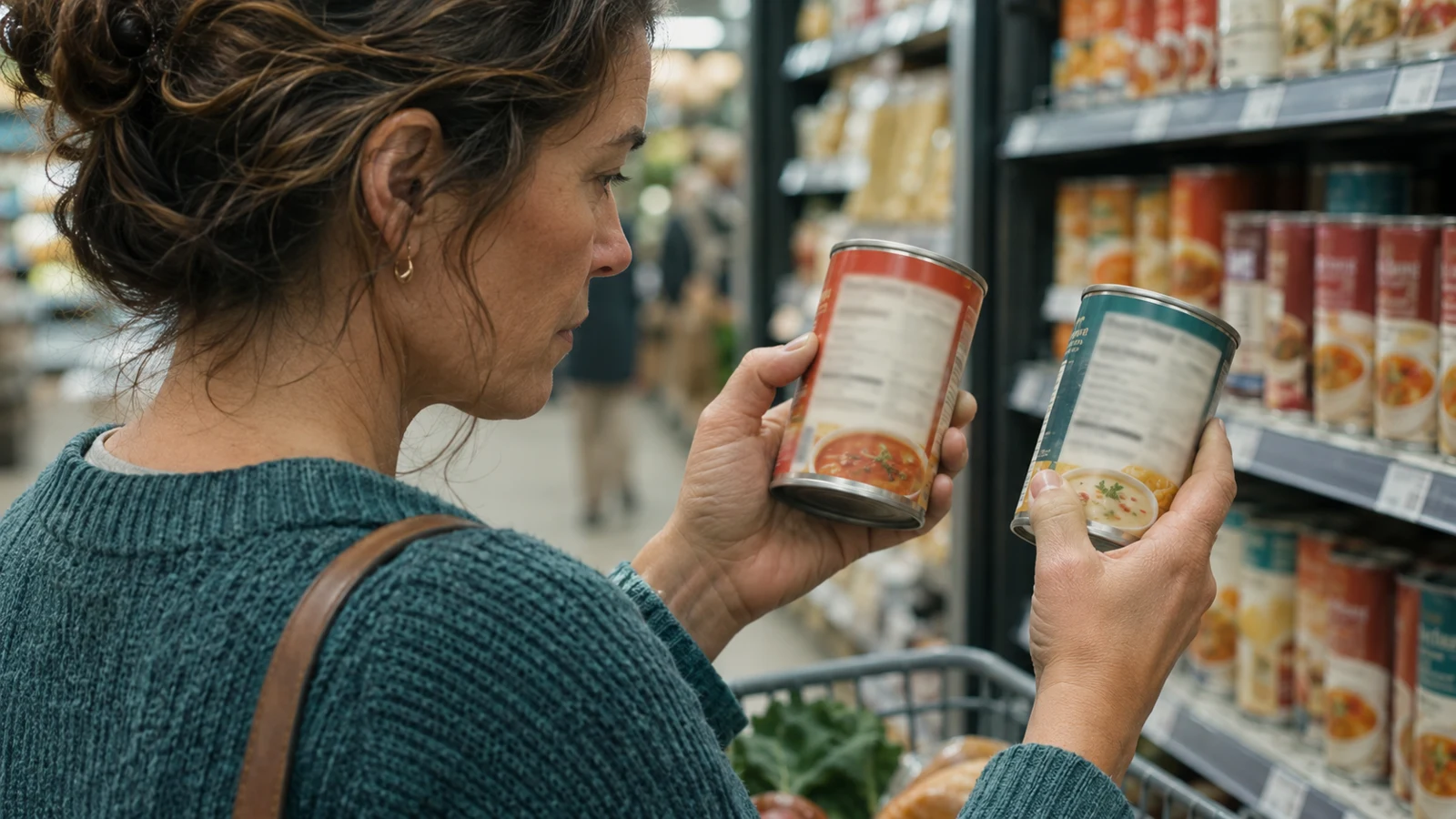
Two cans of soup can look interchangeable on the shelf and still tell different stories on the Nutrition Facts label. To compare sodium, start with the serving size. Then look at the amount in milligrams and think about how much you will actually eat.
Check whether the labels describe the same amount
On U.S. labels, the sodium number usually applies to one serving. Suppose one soup lists 400 mg per cup and another lists 250 mg per half cup. A cup of the second soup would contain 500 mg. Although 250 is the smaller number on the package, that soup has more sodium when you compare equal portions.
Check the servings per container too. If a can has two servings with 350 mg each and you plan to eat the whole can, that is 700 mg. Some packages show separate columns for a serving and the entire package.
Use the percentage as a quick guide
Percent Daily Value, or %DV, compares a serving’s sodium with the standard daily reference used on U.S. labels. The FDA considers 5% DV or less low and 20% DV or more high. The percentage is useful for comparisons. If a clinician has set a sodium target for you, use the milligrams in your usual portion to see how that food fits your plan.
Compare foods you already buy
Start with a food you use often. Compare two brands of the same bread, soup, canned beans, or sauce. Check the back label even when the front says “reduced sodium”: that describes a reduction from a reference product, so the amount per serving can still be substantial. Pick an option you like enough to use regularly.
References
This article provides general health education. Ask your healthcare team about a sodium target if you have been advised to follow a specific diet.